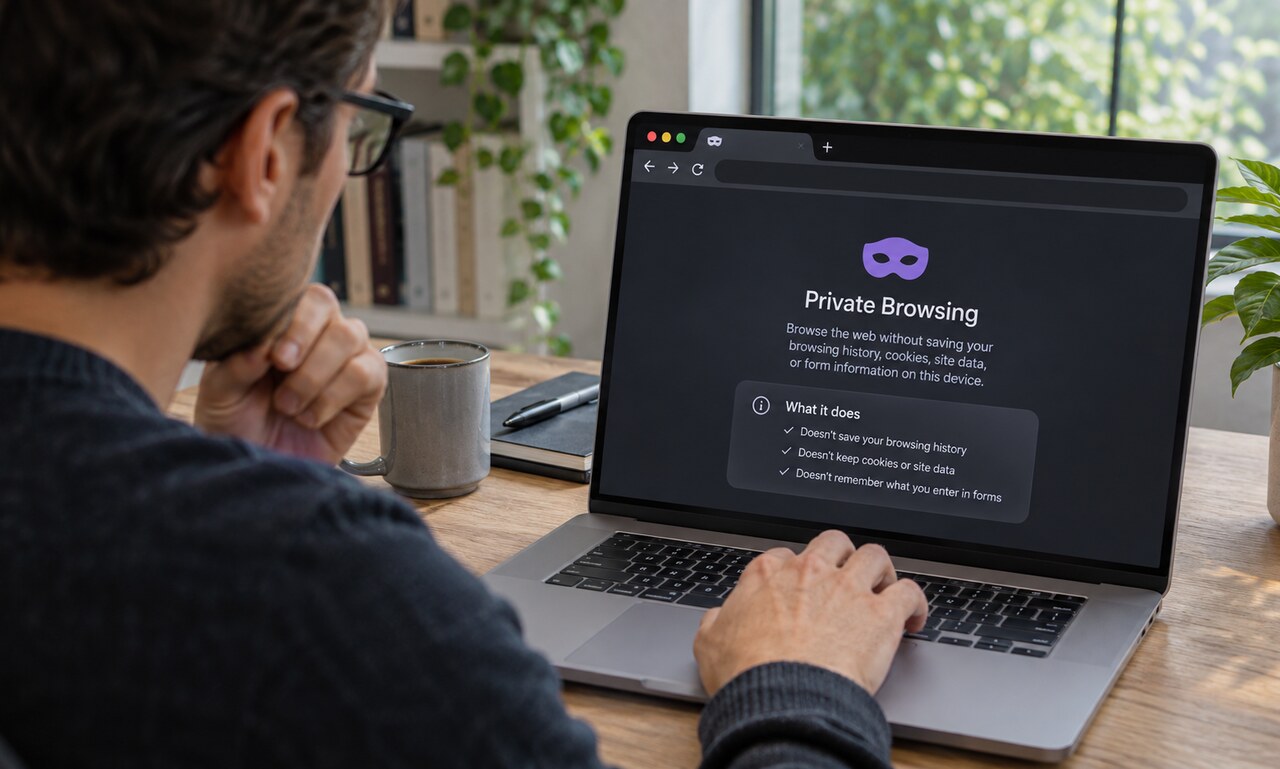
Private browsing is useful when several people share a device, when signing into a temporary account or when testing a page without existing cookies. Its protection is local and specific: it changes what the browser retains after the private window closes.
The browser starts with a separate session
A private window generally uses a fresh set of cookies and site storage. Websites do not automatically receive the ordinary window's active sign-ins, and activity inside the private session stays separate from the regular session.
When all private windows close, the browser discards the private browsing history, cookies and most temporary site data. This helps prevent the next person using the same browser from reopening the session through its history.
Files and deliberate saves remain
Downloads are not erased merely because they began in a private window. The browser may remove the download from its list, but the file remains in the downloads folder. Bookmarks created during the session also stay.
Anything copied, printed, saved to a cloud service or entered into another application exists outside the temporary browser session.
Other observers still see connections
A website can still receive the device's network address, browser characteristics and information submitted to the page. An employer, school or internet provider may be able to observe domain connections according to the network's configuration. Signing into an account allows that service to associate activity with the account.
Private browsing is therefore not anonymity and does not replace a secure connection. It also does not make a suspicious download safe.
Tracking can continue during the session
Sites may use cookies, account identity and other signals while the window is open. Modern browsers often add tracking protections, but those features vary and are separate from the basic promise to clear local session data afterward.
The clearest way to understand private browsing is to ask who the feature is designed to hide activity from. It is effective against later casual inspection on the same browser. It is not designed to hide the connection from every service or network involved in delivering the page.
READ NEXT