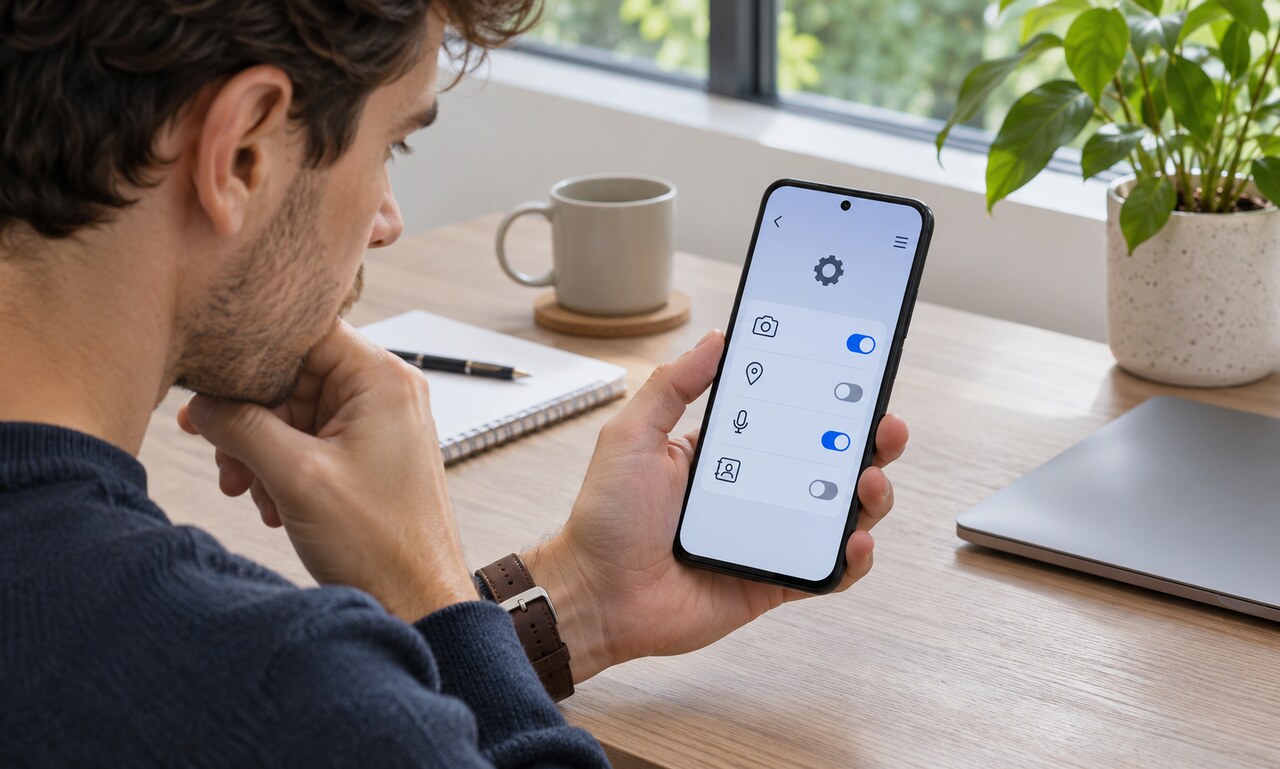
An app permission is a gate between software and a protected part of a device. It may control access to the camera, microphone, location, contacts, photos or nearby devices. Granting one does not give an app unlimited control of the phone, but it can reveal more than the short prompt makes obvious.
Permissions are grouped by capability
Modern mobile systems separate sensitive resources so an app can request only what a feature needs. A navigation tool may need location. A video-call service may need the camera and microphone. A simple calculator should have little reason to request either.
The operating system enforces these gates. Developers declare the capabilities their app may request, and the user decides whether to open them.
Timing and duration matter
Some permissions can be granted only while the app is in use, once for a single session, or continuously in the background. Location may be approximate or precise. Photo access may cover the whole library or only selected items.
The narrowest option that lets a feature work is usually a sensible starting point. If the feature later needs more access, the app can explain why and ask again.
A prompt is not the whole privacy story
A permission tells you which device resource an app can reach, not everything the company may do with information after it is collected. Account details, uploaded content and activity inside the service may be governed by separate settings and policies.
Likewise, refusing access can disable a feature without making the rest of the app unusable. A social app can often function without your contacts, although its friend-finding tool may be less convenient.
Review access when circumstances change
Phone settings usually show permissions by app and by capability. That makes it possible to see every app with microphone or location access in one place. Remove access from software you no longer use, and pay attention when a familiar app suddenly requests an unrelated capability.
Permissions work best as specific, revisable choices. Reading the request, choosing the shortest useful duration and checking the list occasionally keeps convenience from quietly becoming permanent access.
READ NEXT