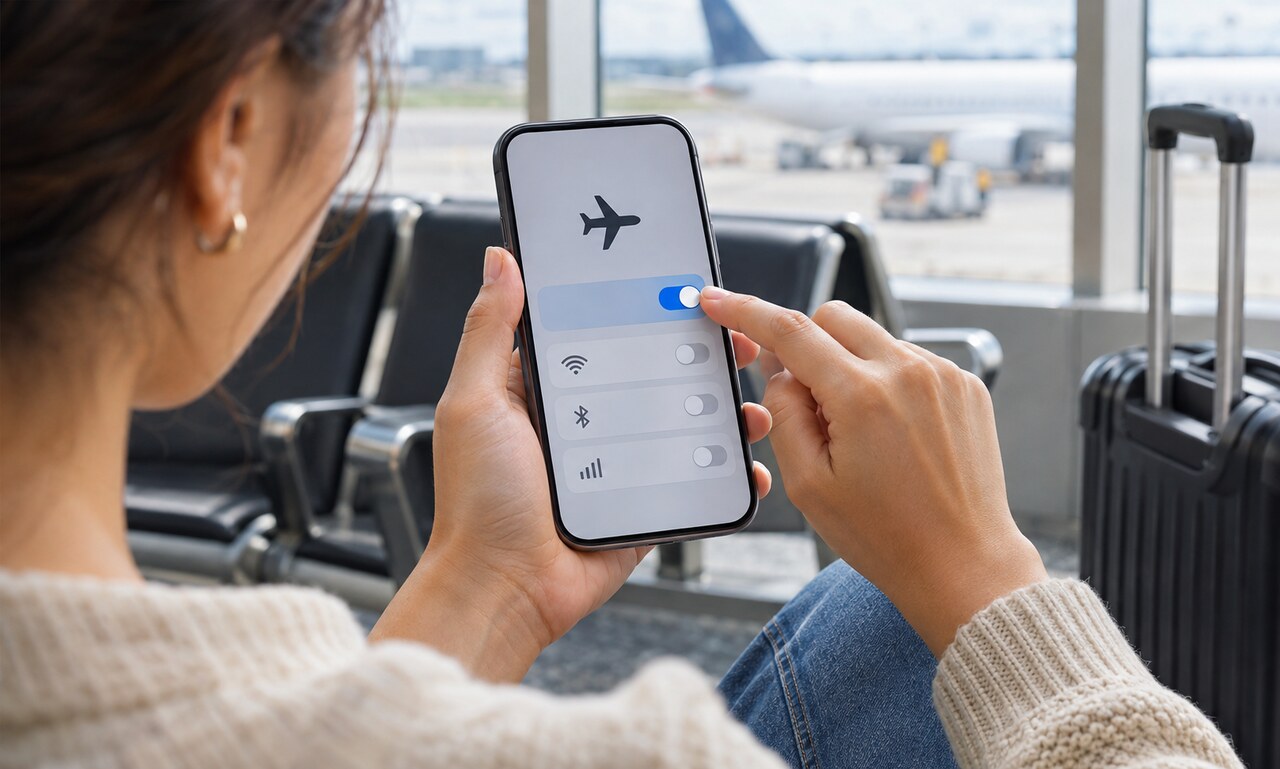
Airplane mode is represented by a small aircraft symbol, but the setting is useful beyond the cabin. It provides one control for stopping a phone or tablet from using its normal cellular connection.
What remains available depends on the device, its software and the wireless features a user turns back on.
The cellular radio disconnects
When airplane mode is enabled, the device stops connecting to mobile towers for calls, messages and cellular data. It no longer performs the regular network communication required to maintain that link.
This is the central purpose of the setting during a flight. Travelers should still follow the instructions given by the airline and crew, since rules and available onboard services can differ.
Wi-Fi and Bluetooth can often return
Many current devices initially change several wireless settings when airplane mode is switched on. Wi-Fi and Bluetooth can usually be enabled again individually. This allows a passenger to join approved onboard Wi-Fi or use wireless headphones while the cellular connection remains off.
Some devices remember those choices the next time airplane mode is used. The status icons provide a quick check of which connections are active.
Location works differently
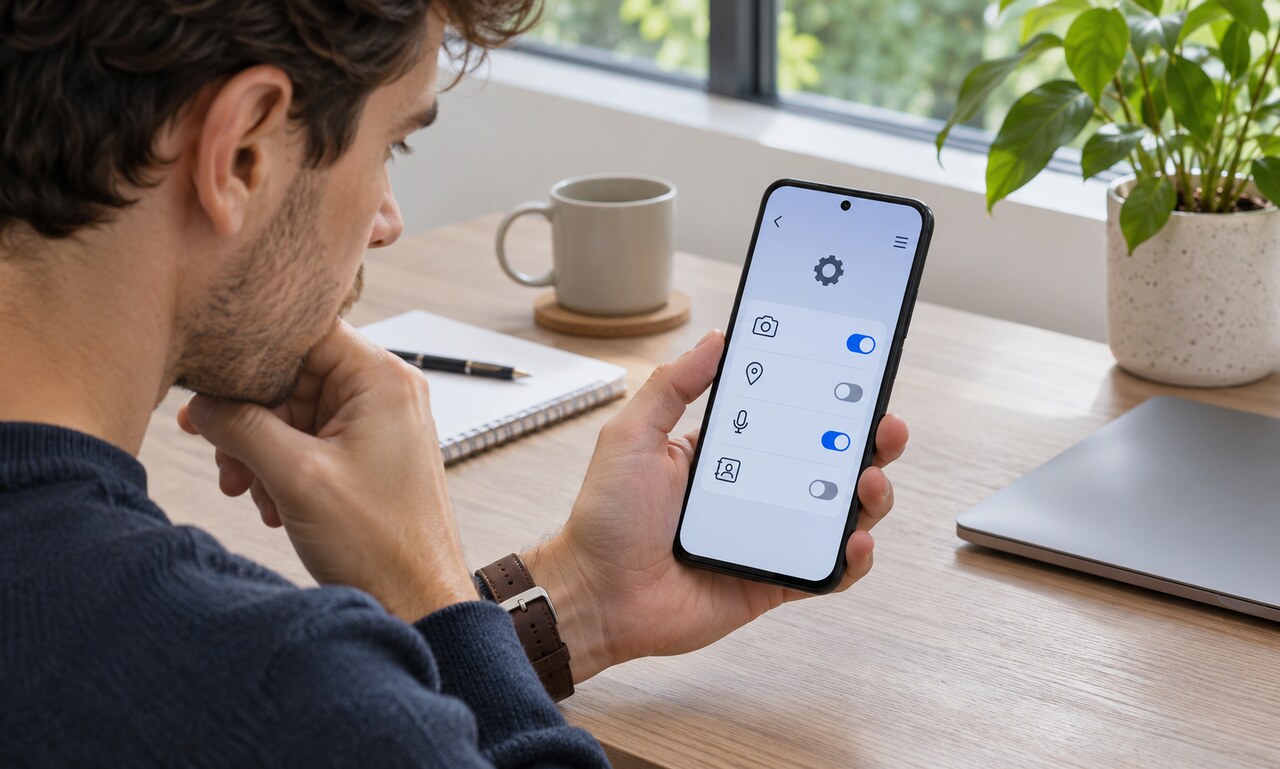
A device can often receive satellite positioning signals without transmitting to a cellular network. However, maps, traffic information and place searches may still need downloaded data unless the relevant area is stored offline.
Apps may also estimate location through nearby Wi-Fi networks or other sensors. Turning on airplane mode does not necessarily make a device unable to determine where it is.
The setting has everyday uses
Airplane mode can stop a phone from searching for a weak mobile signal, which may reduce battery use in areas without coverage. It can also create a temporary break from calls and cellular notifications while leaving offline tools available.
It is not a privacy shield or a complete power-off. Features re-enabled after activation can still communicate, and downloaded content remains on the device.
The airplane symbol is best understood as a connection shortcut. It disables the mobile network link in one step, then lets the user decide which permitted wireless services should return.
READ NEXT